The complete 2026 guide on how to download Instagram Reels with original high-quality audio on Android, iPhone, and PC using FastGr. 100% free, safe, and watermark-free.
FastGr Instagram Reels Downloader is a free web-based tool developed to help you download Instagram Reels without watermarks. By fetching the original vertical video directly from Instagram's servers, FastGr allows you to save Reels in high-definition (HD) MP4 format with their original audio tracks and music intact, completely free of the Instagram logo or creator watermark.
Save Reels with Original Audio:
Download Reels with their original music and audio tracks intact. No muted video downloads.
Watermark-Free HD MP4:
Get the original vertical video in high-definition (HD) quality without any added logos or watermarks.
Unlimited Free Downloads:
Download as many Reels videos as you want. There are no daily limits and no registration is needed.
Compatible on All Devices:
Works perfectly on any mobile phone, iPhone, Android, PC, or tablet browser without app installation.
Safe and Anonymous:
Download Reels anonymously. FastGr does not collect user data or keep download history.
Frequently Asked Questions
What is FastGr Reels Downloader?
FastGr Reels Downloader is a free web tool developed to download Instagram Reels without watermarks. It extracts the original vertical video file directly from Instagram so you can save Reels to your phone or computer in high-definition (HD) MP4 format with original audio and music intact, completely free of logos.
Does FastGr download Reels without watermark?
Yes. While saving Reels natively via the Instagram app overlays an Instagram logo and creator username watermark, FastGr fetches the original source file. Your downloaded MP4 file is 100% clean and watermark-free.
Why does my downloaded Instagram Reel have no sound?
Instagram's native app save strips music due to copyright. FastGr downloads the complete Reel with its original audio track included.
Will the creator know I saved their Reel?
No. FastGr downloads Reels anonymously. The account owner will never know you saved their video.
How do I save Reels to my iPhone camera roll?
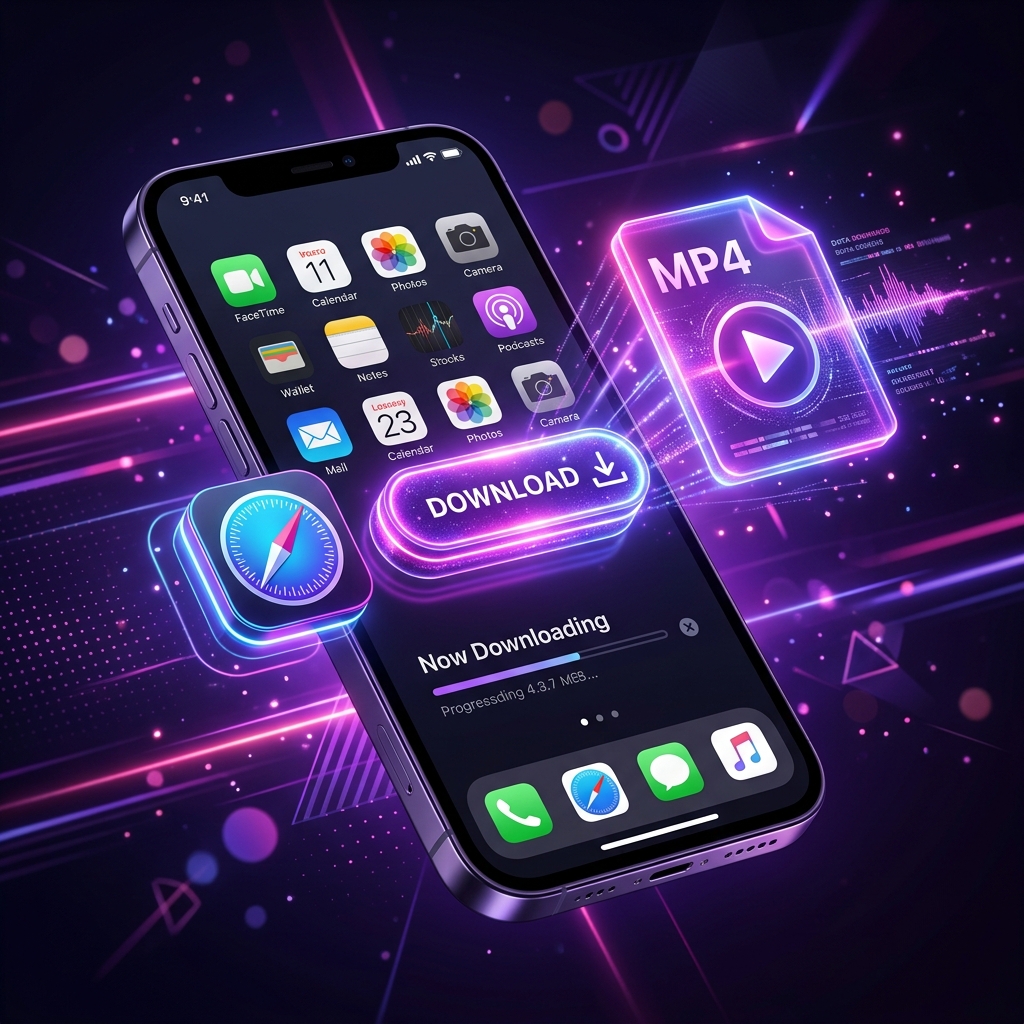
Copy the Reel link, paste it in Safari on FastGr, download the file, then tap the Share icon and select 'Save Video' to send it to your camera roll.
Cookie Consent
We use cookies to personalize content, customize ads, and analyze our traffic. By clicking Accept, you agree to our cookie policy. Learn more